Turn down graphics settings, watch GPU usage drop, and FPS goes up.
In simulation, it’s rarely that simple.
CPU and GPU bottlenecks behave differently in simulation software,
and misunderstanding that difference is one of the most common causes of poor simulator performance.
Short answer
Simulation software can be limited by both the CPU and the GPU,
but CPU bottlenecks are more common and more damaging because simulators rely heavily
on continuous calculations, timing, and synchronization.
What a bottleneck actually means
A bottleneck occurs when one component limits overall system performance.
The rest of the hardware may be capable of more, but it has to wait.
In simulation, bottlenecks don’t just reduce FPS.
They can affect frame consistency, input latency, and overall system stability.
Why simulation bottlenecks differ from gaming
Games are usually optimized around the GPU.
Increase resolution or visual quality, and the GPU becomes the primary limiting factor.
Simulation software behaves differently.
It often runs complex physics, telemetry, and input processing on the CPU,
while the GPU handles rendering that may not scale as aggressively with settings.
CPU bottlenecks in simulation software
CPU bottlenecks are extremely common in simulators, even on high-end systems.
Simulators rely on the CPU for:
- Physics calculations
- Vehicle or ball trajectory modeling
- Sensor, camera, or tracking input processing
- Real-time telemetry and state updates
When the CPU can’t keep up, the GPU may sit partially idle,
waiting for data that arrives too slowly.
Signs of a CPU bottleneck
CPU bottlenecks don’t always show up as low FPS.
More often, they appear as inconsistency.
Common symptoms include:
- Uneven frame pacing
- Input lag despite low GPU usage
- One or two CPU cores pinned near 100%
- Performance drops during complex physics events
These issues are especially noticeable during long simulation sessions.
GPU bottlenecks in simulation software
GPU bottlenecks do exist in simulators,
but they usually come from display configuration rather than raw graphics settings.
Common causes include:
- High-resolution projection systems
- Triple-screen or ultra-wide setups
- VR headsets with strict frame timing requirements
- Large render targets and high VRAM usage
In these cases, the GPU becomes the limiting factor,
but frame consistency still matters more than peak throughput.
Why balanced load matters more than maximum usage
In simulation, a fully loaded GPU is not always a bad sign,
and a lightly loaded GPU is not always a good one.
What matters is balance.
If the CPU consistently feeds the GPU without stalling,
the system feels smooth and predictable.
An unbalanced system often feels worse,
even if headline performance numbers look higher.
Multi-display and VR complicate bottlenecks
Multi-screen and VR setups increase the chance of GPU bottlenecks,
but they also place more pressure on the CPU for synchronization and timing.
This means:
- CPU and GPU limitations can appear simultaneously
- Small inefficiencies become more visible
- Thermal and power limits matter more over time
Bottlenecks in simulators are rarely isolated to a single component.
Thermal behavior can create shifting bottlenecks
Sustained simulation workloads cause temperatures to rise gradually.
As clocks adjust and boost behavior changes,
a system can shift from GPU-limited to CPU-limited, or vice versa.
This is why simulators often feel fine at first
and then degrade after extended use.
Why gaming tuning advice often fails for simulators
Many performance tips are based on gaming behavior:
lowering graphics settings, chasing higher peak FPS,
or upgrading only the GPU.
In simulation, these changes may have little effect
if the CPU remains the limiting factor.
What simulator systems should optimize for
Simulator PCs should be designed around balanced, sustained performance.
Key priorities include:
- Strong single-core and multi-core CPU performance
- Stable GPU performance under continuous load
- Thermal equilibrium for both CPU and GPU
- Consistent frame timing over long sessions
Final thought
In simulation, the question isn’t whether the CPU or GPU is more important.
It’s whether the system is balanced enough to keep both working together smoothly.
Bottlenecks matter, but understanding how they behave matters more.
Simulator Platforms We Support
RBS systems are designed for the most common simulator platforms used today.
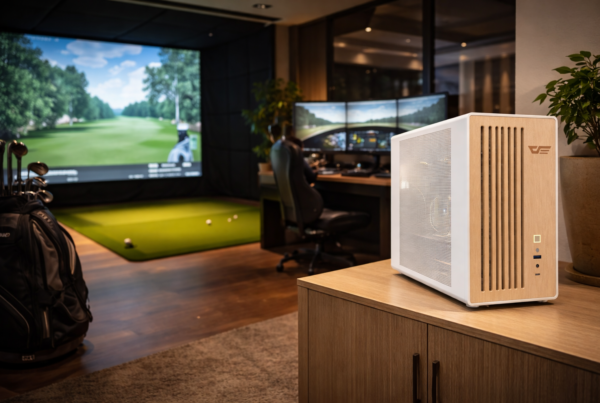
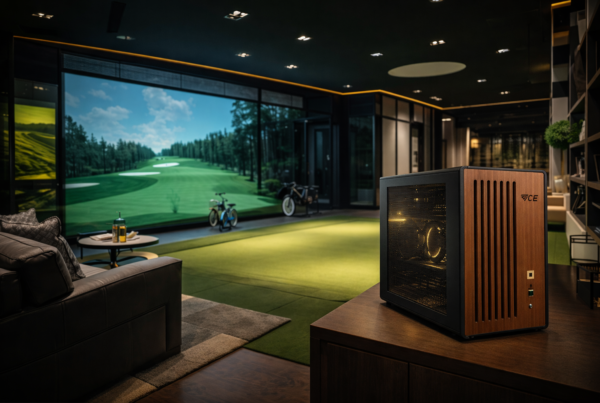
Golf simulators
TrackMan · Uneekor · Foresight
Racing simulators
iRacing · Assetto Corsa · rFactor
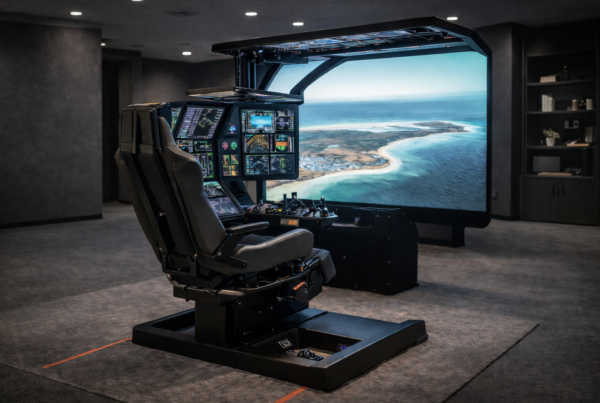
Flight simulators
MSFS · X-Plane · Prepar3D