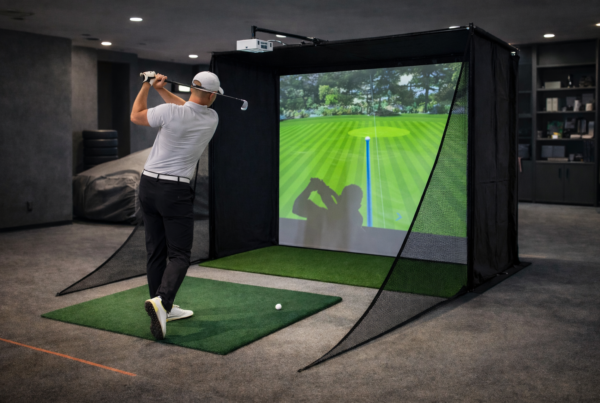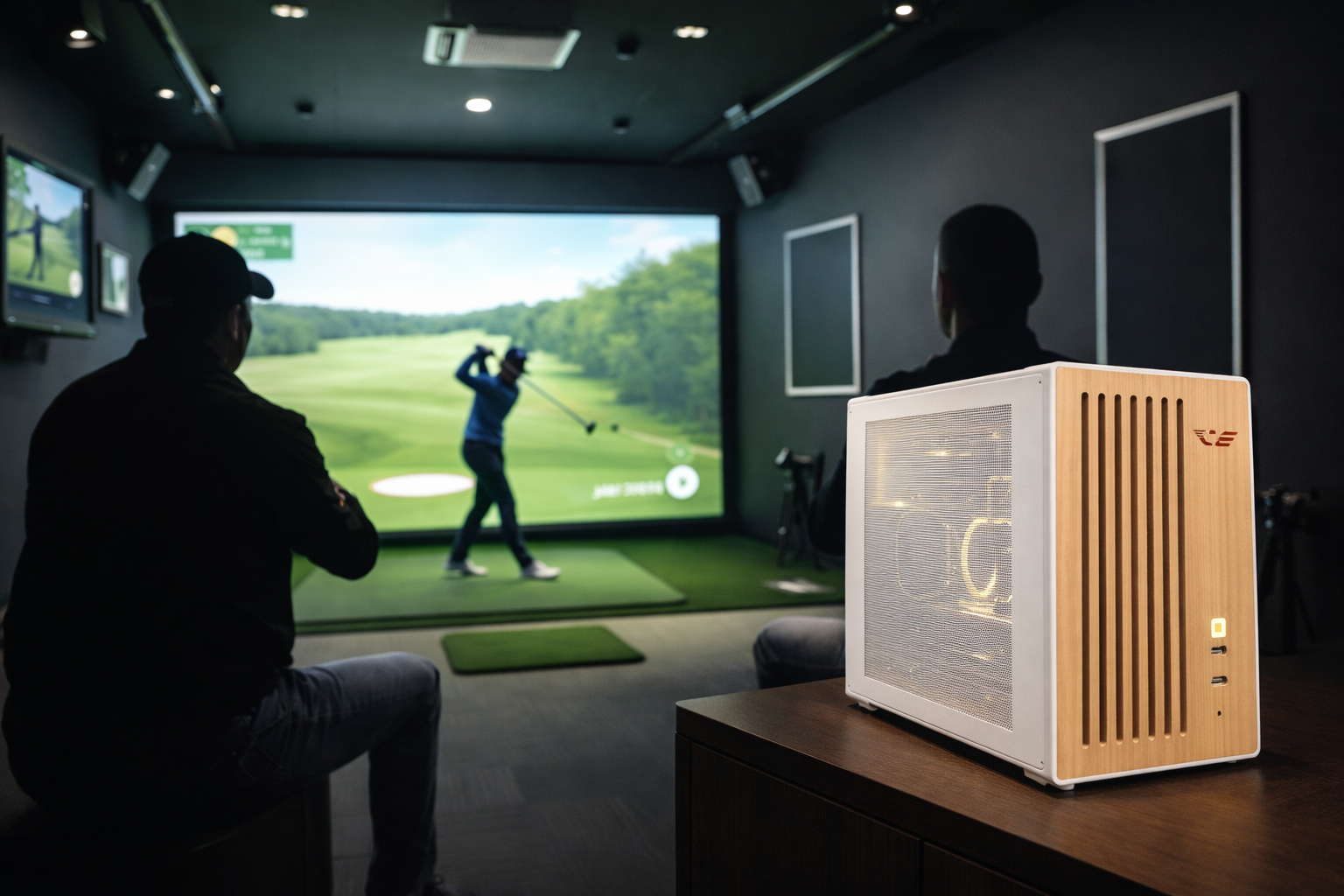
A screen, a projector or display, and a launch monitor.
But under the hood, golf simulation places very specific demands on a PC.
Demands that are often misunderstood when systems are built like gaming rigs.
Short answer
Choosing a PC for golf simulation is about stability, timing, and reliability.
Accuracy depends more on consistent system behavior
than on peak gaming performance.
What golf simulators actually do
Golf simulation software combines multiple real-time systems.
Typical workloads include:
- High-speed sensor or camera input
- Ball flight calculation and physics
- Rendering of large, static environments
- Synchronization between input, physics, and visuals
These workloads run continuously, not in short bursts.
Why accuracy matters more than FPS
Golf simulators are not reaction-based games.
A shot is measured, calculated, and visualized.
Small timing inconsistencies can affect:
- Launch data interpretation
- Ball flight realism
- Shot-to-shot consistency
High FPS does not compensate for unstable timing.
The CPU’s role in golf simulation
The CPU handles physics, sensor input, and system coordination.
In golf simulators, this workload is sustained and timing-sensitive.
CPU-related issues often show up as:
- Delayed shot registration
- Inconsistent ball flight behavior
- Unpredictable system response
The GPU’s role in golf simulation
The GPU renders large environments and projection surfaces.
Golf simulators often prioritize resolution over motion speed.
GPU stability matters more than peak output,
especially during long indoor sessions.
Launch monitors and peripheral reliability
Golf simulators depend heavily on external hardware.
Launch monitors, cameras, and sensors
must communicate reliably with the PC.
USB stability and consistent device handling
directly affect simulation accuracy.
Resolution, projection, and display load
Many golf simulators use projectors or large displays.
These setups create sustained rendering load.
Resolution choices affect:
- GPU thermal behavior
- Frame consistency
- System noise levels
Why long sessions change everything
Golf simulators are often used for hours at a time.
Over long sessions, thermal behavior and background activity matter.
Systems built for short gaming sessions
may drift in performance during extended use.
Noise and comfort in indoor golf rooms
Indoor golf spaces are quiet environments.
Loud or unstable cooling quickly becomes distracting.
A golf simulator PC should remain quiet
even under sustained load.
Why gaming PCs often struggle with golf simulators
Gaming PCs are optimized for peak FPS and visual impact.
Golf simulators need predictability and reliability.
Common issues include:
- Inconsistent input timing
- USB instability
- Thermal throttling during long sessions
What to prioritize when choosing a golf simulator PC
A well-designed golf simulator PC focuses on behavior over time.
Key priorities include:
- Stable CPU performance
- Reliable peripheral connectivity
- Quiet operation under load
- Consistent system timing
Final thought
Golf simulation is about repeatability.
The system should behave the same on the first shot
and the hundredth.
The right PC is not the fastest one,
but the one that stays accurate all session long.
Simulator Platforms We Support
RBS systems are designed for the most common simulator platforms used today.
Golf simulators
TrackMan · Uneekor · Foresight
Racing simulators
iRacing · Assetto Corsa · rFactor
Flight simulators
MSFS · X-Plane · Prepar3D