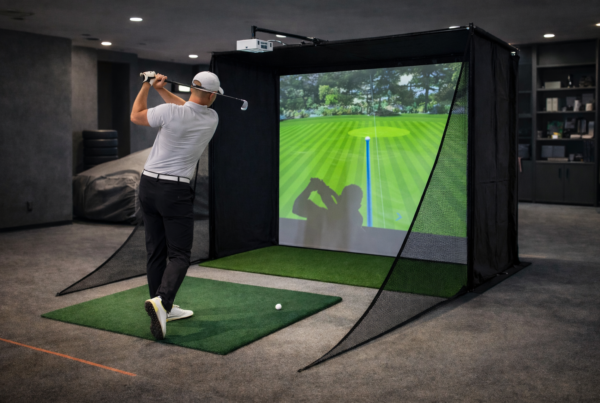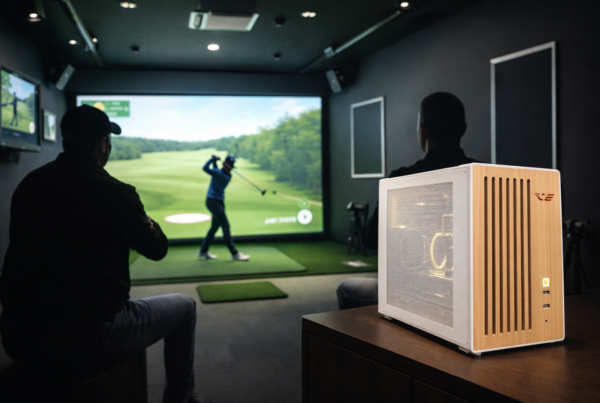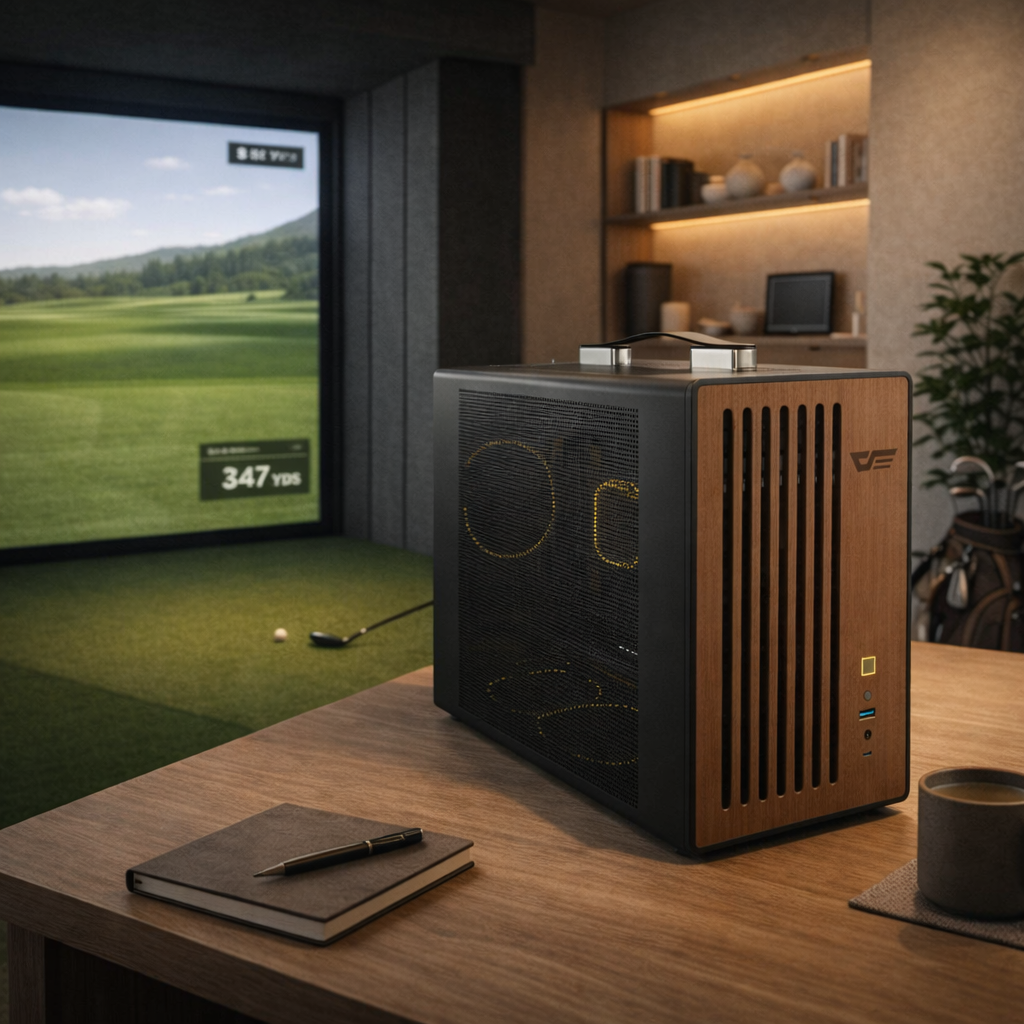
They live in offices, studios, garages, and living spaces
where every sound becomes part of the experience.
In these environments, cooling noise is not a background detail.
It directly affects comfort, consistency, and how long a system can be used.
Short answer
Silent cooling matters in indoor simulation because sustained noise reduces focus and comfort.
A quieter system supports longer sessions, more consistent performance,
and a better overall simulation experience.
Why indoor simulators are different
Indoor simulation rooms are typically quiet spaces.
There is no crowd noise, no engine roar,
and often no headphones to mask system sound.
In these environments, even moderate fan noise
becomes noticeable over time.
Noise as a performance factor
Noise does not reduce FPS.
It reduces usability.
Excessive or unstable cooling noise can:
- Break concentration
- Increase fatigue
- Shorten effective session length
Over time, this affects how consistently the simulator is used.
Cooling noise is a symptom of thermal behavior
Cooling systems react to heat.
As temperatures rise, fans ramp up.
Aggressive fan behavior often indicates:
- Poor thermal balance
- Cooling systems sized for peak loads
- Lack of thermal equilibrium
Quiet cooling usually means stable temperatures.
Long sessions expose acoustic instability
Short benchmarks rarely reveal noise issues.
Acoustic behavior changes over time.
During long indoor sessions:
- Fans reach higher sustained speeds
- Small fluctuations become noticeable
- Noise fatigue increases
What sounds fine for ten minutes
may become distracting after an hour.
Indoor acoustics amplify system noise
Simulator rooms often include hard surfaces:
screens, walls, ceilings, and floors.
These surfaces reflect sound,
making fan noise feel louder and sharper.
A quieter PC integrates better into indoor spaces.
Cooling design over raw airflow
Silent cooling is not achieved by adding more fans.
It comes from controlled airflow and thermal balance.
Effective silent cooling focuses on:
- Low-RPM fan operation
- Smooth airflow paths
- Reduced turbulence
- Stable thermal equilibrium
This keeps noise predictable and unobtrusive.
How noise indirectly affects simulation accuracy
Noise does not change calculations.
It changes how users interact with the simulator.
Excessive noise can:
- Reduce focus during setup
- Increase cognitive fatigue
- Lower confidence in the system
Accuracy depends on repeatable, comfortable use.
Why gaming cooling approaches often fail indoors
Gaming PCs are often designed for airflow,
assuming short sessions and background noise.
Indoor simulators require:
- Quiet operation under sustained load
- Stable fan behavior
- Minimal acoustic variation
The priorities are different.
What indoor simulator systems should optimize for
Silent cooling should be a design goal, not an afterthought.
Key priorities include:
- Thermal equilibrium under continuous load
- Low and consistent fan speeds
- Minimal vibration and resonance
- Predictable acoustic behavior
Final thought
Silent cooling does not make a simulator faster.
It makes it usable.
In indoor simulation environments,
the best cooling system
is the one you forget is there.
Simulator Platforms We Support
RBS systems are designed for the most common simulator platforms used today.
Golf simulators
TrackMan · Uneekor · Foresight
Racing simulators
iRacing · Assetto Corsa · rFactor
Flight simulators
MSFS · X-Plane · Prepar3D