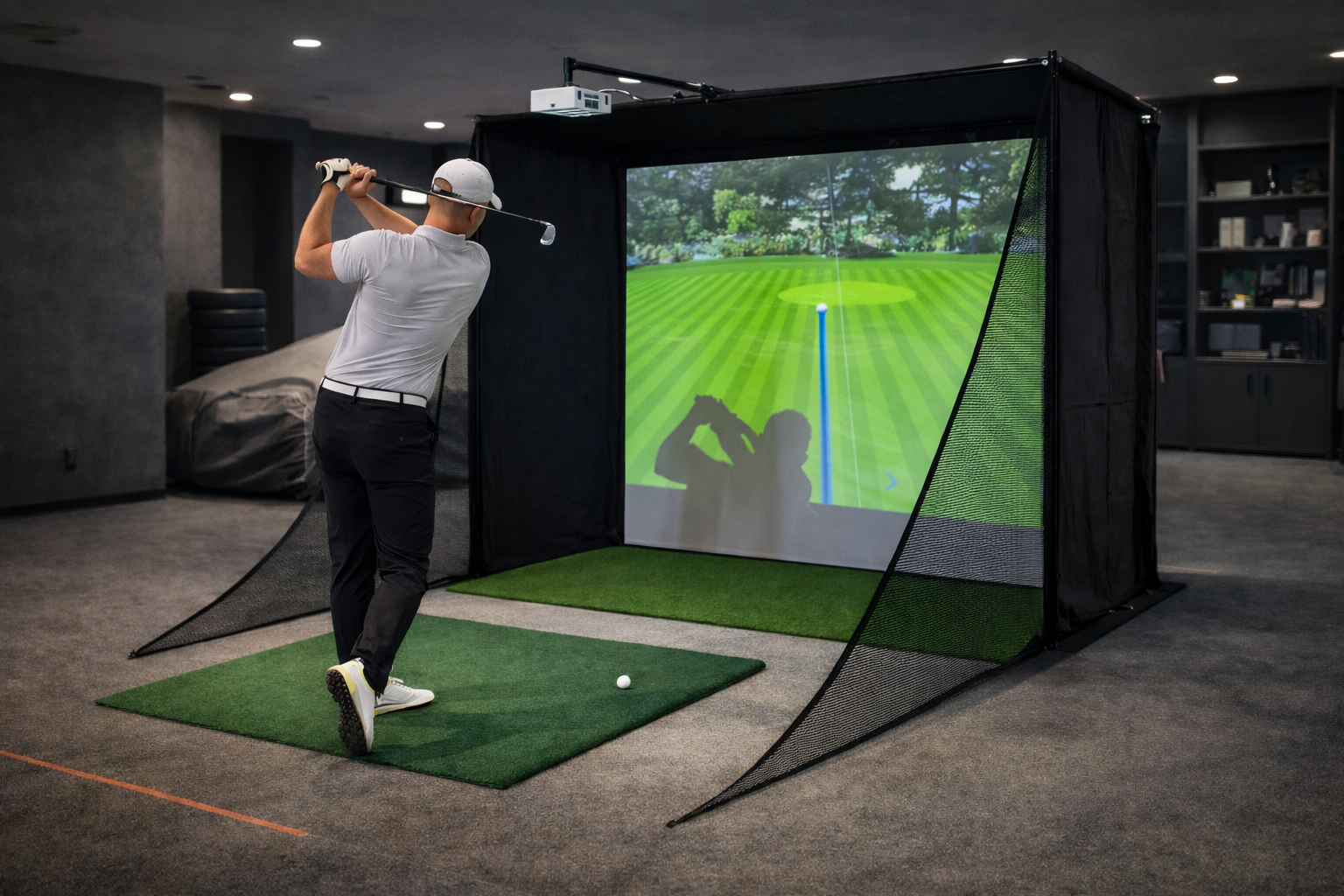
Golf launch monitors, motion tracking cameras,
and optical sensors all rely on real-time image capture.When latency enters that pipeline,
accuracy is the first thing to suffer.
Short answer
Camera tracking systems require low and consistent latency.
Delays in image capture, processing, or system scheduling
directly affect tracking accuracy and simulator reliability.
What camera tracking actually involves
Camera tracking is not just about capturing images.
It is a real-time processing pipeline.
A typical tracking flow includes:
- High-speed image capture
- Data transfer to the system
- CPU-based image processing
- Integration with simulation software
Each stage adds latency.
Why latency matters for tracking accuracy
Camera tracking systems measure fast events.
In golf simulation, this includes club impact and ball launch.
Even small delays can affect:
- Shot detection timing
- Launch angle calculation
- Spin and speed interpretation
Accuracy depends on timing consistency, not just resolution.
The camera tracking latency chain
Tracking latency is cumulative.
Delays add up across the system.
A simplified latency chain includes:
- Camera sensor exposure and readout
- USB or interface transfer
- CPU processing and scheduling
- Simulation response and visualization
Optimizing one stage alone is rarely enough.
Why camera tracking is CPU-sensitive
Most camera-based tracking relies heavily on the CPU.
Image analysis, pattern recognition,
and timing coordination are CPU-driven tasks.
CPU-related issues often appear as:
- Delayed shot registration
- Inconsistent tracking results
- Accuracy drift during long sessions
USB bandwidth and data transfer stability
Camera tracking systems generate large data streams.
USB bandwidth and stability become critical.
Common problems include:
- Bandwidth contention with other devices
- Intermittent data transfer delays
- Device resets under sustained load
These issues often present as random accuracy problems.
How background processes affect tracking
Background system activity can interrupt
timing-sensitive tracking threads.
Even brief interruptions can:
- Delay image processing
- Desynchronize tracking data
- Reduce repeatability
Tracking systems are less tolerant of interference
than rendering workloads.
Why long sessions expose tracking weaknesses
Over time, thermal behavior and system scheduling change.
CPUs may reduce clocks,
and background tasks may activate.
Camera tracking accuracy can degrade gradually,
even if performance looks stable at startup.
System requirements that actually matter
Camera tracking systems benefit from
predictable system behavior.
Key requirements include:
- Strong and stable CPU performance
- Reliable USB controllers and bandwidth
- Minimal background interference
- Thermal stability under sustained load
Why gaming PCs often struggle with camera tracking
Gaming PCs are optimized for rendering performance.
Camera tracking is a real-time data processing problem.
Systems built for peak FPS
may still introduce latency and inconsistency
into tracking pipelines.
Final thought
Camera tracking accuracy depends on timing discipline.
The system must behave the same way every time.
In simulation, reliable tracking
comes from controlled system behavior,
not from raw hardware power.
Simulator Platforms We Support
RBS systems are designed for the most common simulator platforms used today.
Golf simulators
TrackMan · Uneekor · Foresight
Racing simulators
iRacing · Assetto Corsa · rFactor
Flight simulators
MSFS · X-Plane · Prepar3D