
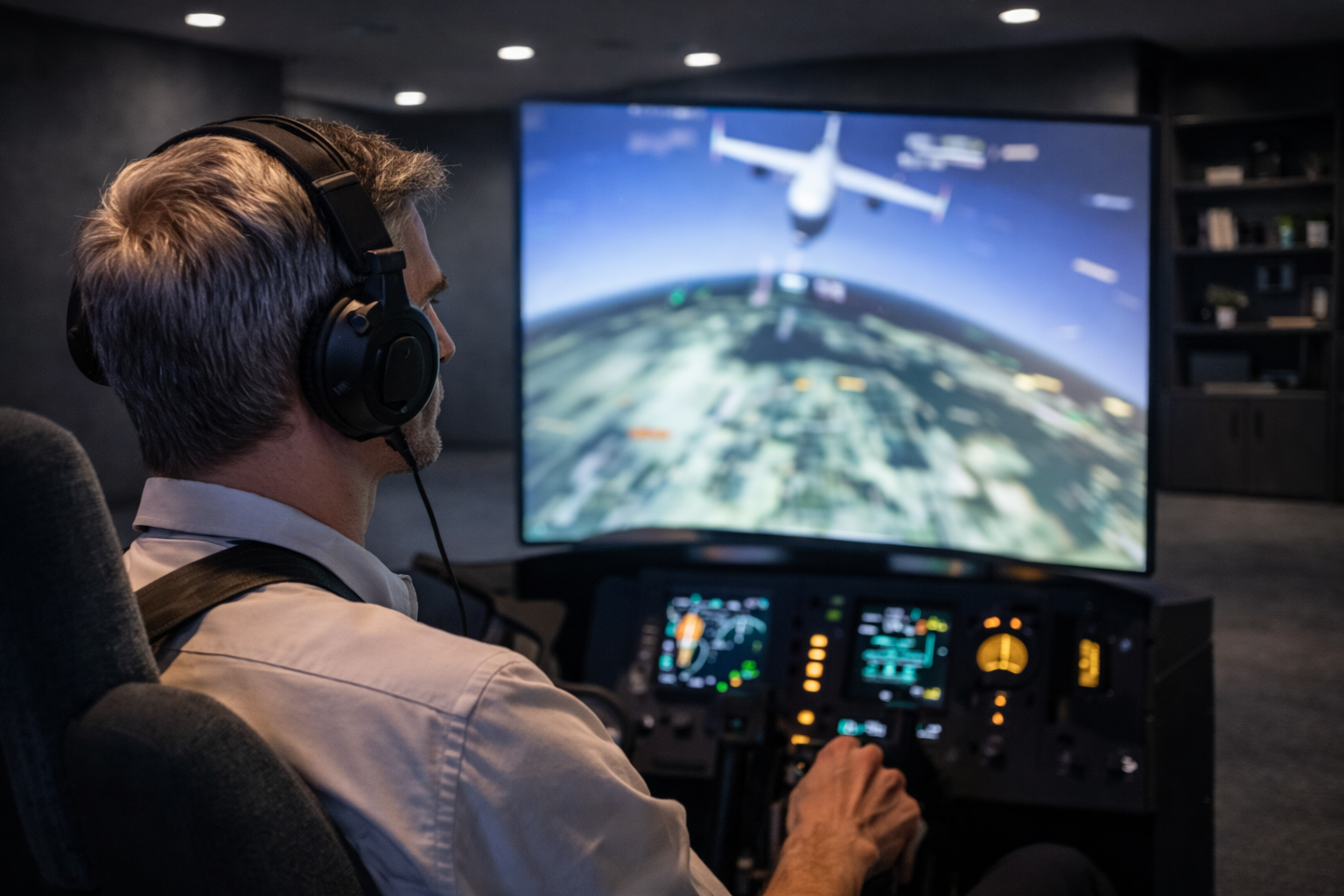
Long simulation sessions tell you how it actually behaves.
Thermal stability is what separates systems
that look good on paper
from systems that perform consistently hour after hour.
Short answer
Thermal stability matters because simulators run under sustained load.
Systems that cannot reach and hold thermal equilibrium
experience throttling, noise escalation, and performance drift over time.
What thermal stability actually means
Thermal stability is not about maximum cooling capacity.
It is about predictable temperature behavior under continuous load.
A thermally stable system:
- Reaches a steady operating temperature
- Maintains consistent clocks
- Avoids aggressive thermal cycling
This matters far more than short-term peak temperatures.
Why simulators stress thermals differently
Simulation workloads rarely spike and reset.
They ramp up and stay there.
Common simulator characteristics include:
- Continuous CPU and GPU utilization
- Few natural idle periods
- Long uninterrupted sessions
This exposes cooling designs that rely on short bursts.
Thermal equilibrium defines real performance
Thermal equilibrium is the point
where heat generation and heat dissipation balance out.
If a system cannot reach equilibrium cleanly:
- Clocks fluctuate
- Fan behavior becomes unstable
- Performance drifts over time
Benchmarks rarely reach this state.
CPU thermal behavior under sustained load
CPUs adjust clocks based on temperature and power.
During long sessions, boost behavior settles lower.
Thermal instability can cause:
- Inconsistent frame pacing
- Input timing variation
- Reduced simulation accuracy
Stable clocks matter more than high boost peaks.
GPU thermals and long rendering sessions
GPUs in simulators often render continuously
at fixed viewpoints or across multiple displays.
Over time, sustained heat can lead to:
- Clock drift
- Power limit behavior
- Reduced frame consistency
Effective cooling must be designed for endurance.
Thermal instability increases noise
When temperatures fluctuate,
cooling systems respond aggressively.
This leads to:
- Frequent fan speed changes
- Higher sustained noise levels
- Acoustic fatigue during long sessions
Quiet systems are usually thermally stable systems.
Why long sessions reveal thermal weaknesses
Many systems feel fine for the first 10–15 minutes.
Problems appear later.
During long sessions:
- Heat saturates the case and components
- Ambient temperature rises
- Cooling efficiency changes
Thermal design must account for time, not just load.
Why gaming-focused cooling often fails
Gaming PCs are optimized for peak airflow
and visual impact.
Simulators require:
- Controlled airflow paths
- Low-RPM, sustained cooling
- Minimal thermal cycling
The priorities are fundamentally different.
What simulator systems should optimize for
Thermal stability must be engineered intentionally.
Key priorities include:
- Thermal equilibrium under continuous load
- Stable CPU and GPU clocks
- Predictable fan behavior
- Quiet operation over long sessions
Final thought
Thermal stability does not make a simulator faster.
It makes it reliable.
In long simulation sessions,
the best system is the one
that behaves the same at hour three
as it did at minute ten.
Simulator Platforms We Support
RBS systems are designed for the most common simulator platforms used today.
Golf simulators
TrackMan · Uneekor · Foresight
Racing simulators
iRacing · Assetto Corsa · rFactor
Flight simulators
MSFS · X-Plane · Prepar3D