Even when a simulator is running full screen,
dozens of background processes are still active.
In simulation, those background tasks can matter far more
than most users realize.
Short answer
Background processes affect simulation accuracy by introducing timing delays,
inconsistent CPU scheduling, and unpredictable latency.
Simulators are far more sensitive to this than typical games.
What background processes actually do
Background processes include system services, drivers, update agents,
monitoring tools, and third-party software running alongside the simulator.
Individually, most of these processes consume very little power.
Collectively, they can disrupt timing-sensitive workloads.
Why simulators are more sensitive than games
Many games tolerate brief scheduling delays or timing variation.
Simulation software often cannot.
Simulators rely on:
- Precise input timing
- Real-time physics calculations
- Synchronization between visual output and sensor data
Small interruptions that go unnoticed in gaming
can reduce accuracy in simulation.
CPU scheduling and timing conflicts
Operating systems constantly schedule CPU time between tasks.
When background processes interrupt simulator threads,
timing consistency can suffer.
This may result in:
- Input latency variation
- Micro-stutter without visible FPS drops
- Inconsistent physics or tracking behavior
These issues are often misdiagnosed as GPU or hardware problems.
Input devices and sensor accuracy
Many simulators rely on external devices:
cameras, launch monitors, steering systems, or motion platforms.
Background processes competing for CPU time
can delay how input data is processed,
even if average system utilization looks low.
Common background services that affect simulation
Certain system services and utilities are frequent contributors:
- Automatic update services
- Background indexing or scanning tools
- Hardware monitoring software
- Third-party overlays or recording tools
These services are usually harmless for everyday use,
but can interfere with timing-sensitive simulation workloads.
Why accuracy is affected even when FPS looks fine
FPS counters measure frame output, not timing accuracy.
A simulator can maintain high FPS
while still experiencing inconsistent input or physics timing.
This is why simulation accuracy issues
are often felt before they are measured.
Long sessions amplify background interference
Over long simulation sessions,
background processes may activate unpredictably.
Scheduled tasks, background maintenance,
or thermal-related behavior changes
can introduce variability that wasn’t present at startup.
Why clean system behavior matters
A clean system environment minimizes unnecessary interruptions.
This improves timing consistency, input accuracy,
and overall simulator reliability.
Simulation accuracy depends as much on system behavior
as it does on raw hardware capability.
What simulator systems should be optimized for
Simulator PCs should be configured to minimize background interference.
Key priorities include:
- Controlled background services
- Stable CPU scheduling behavior
- Predictable system load over time
- Minimal third-party software interference
Final thought
Background processes rarely break simulators outright.
Instead, they quietly reduce accuracy.
In simulation, precision depends on consistency,
and consistency depends on control.
Simulator Platforms We Support
RBS systems are designed for the most common simulator platforms used today.
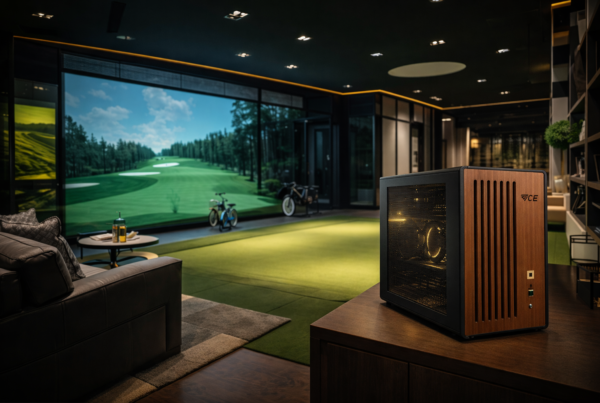
Golf simulators
TrackMan · Uneekor · Foresight
Racing simulators
iRacing · Assetto Corsa · rFactor
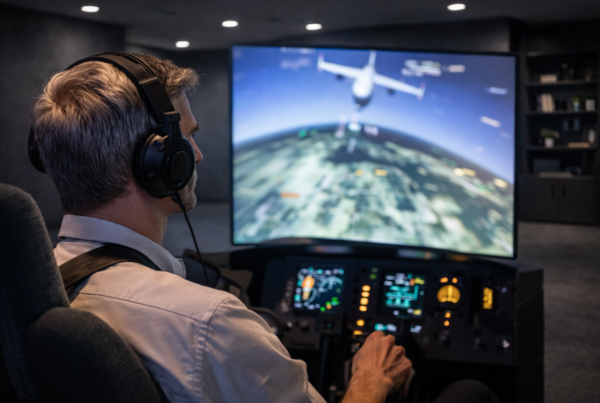
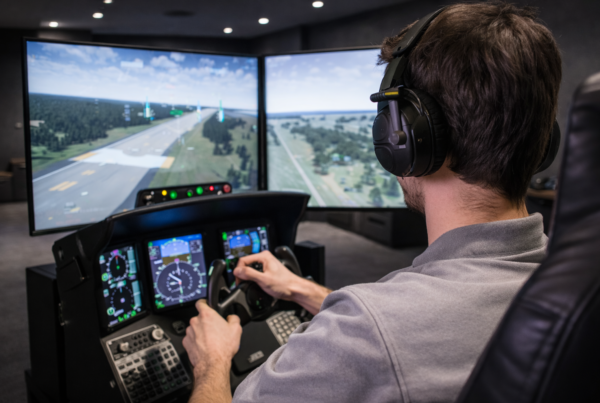
Flight simulators
MSFS · X-Plane · Prepar3D