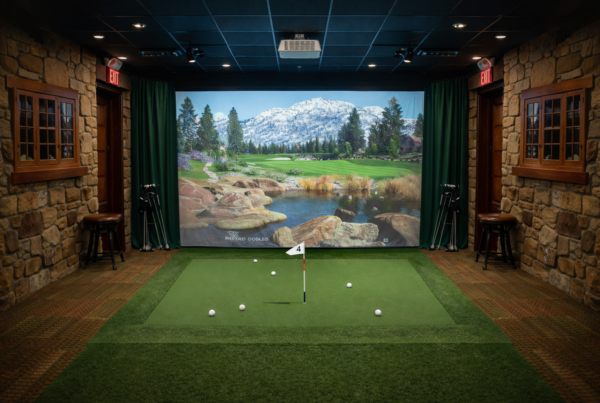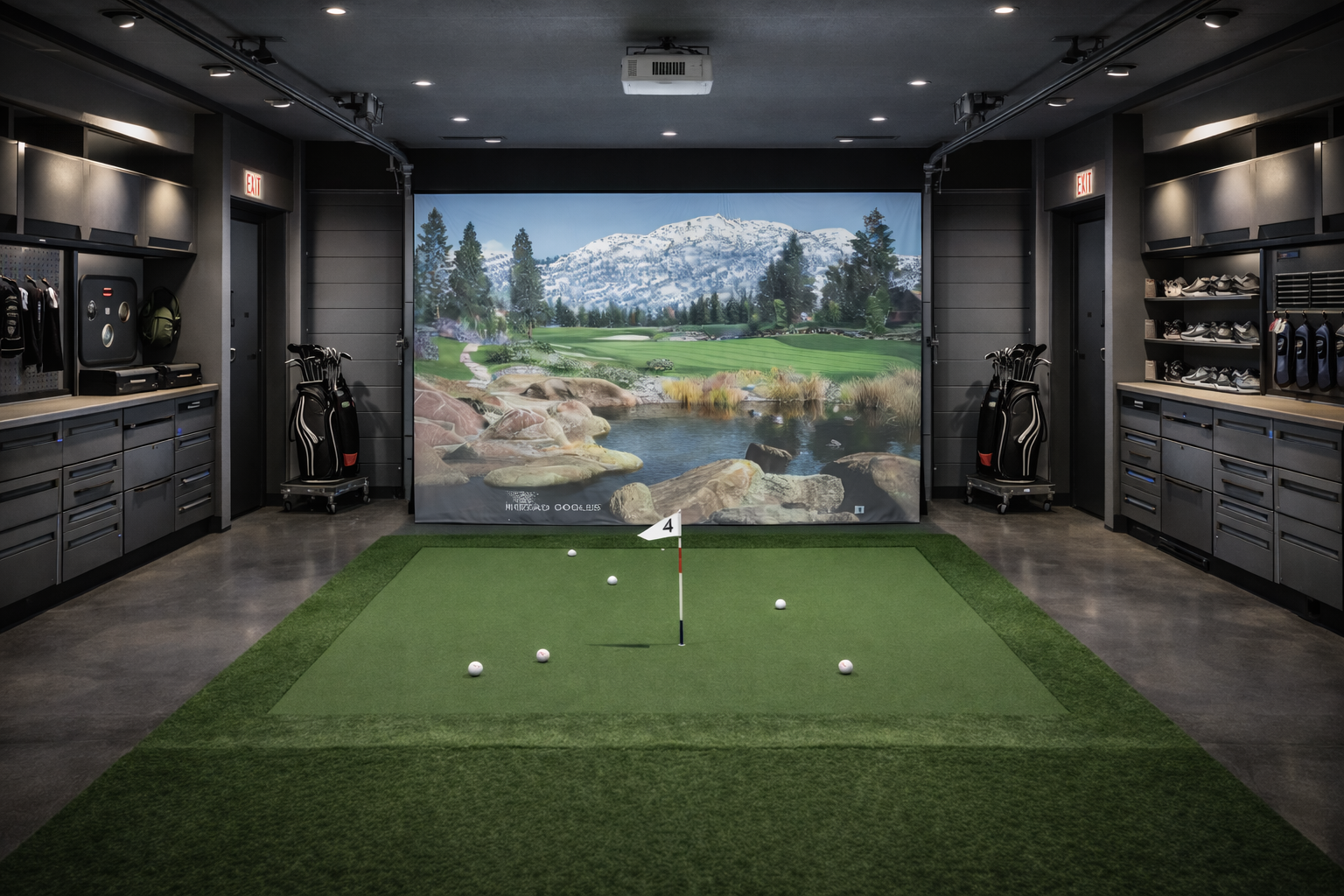
The visuals are calm, the camera barely moves,
and the environments feel predictable.
Yet many golf simulation issues
trace back to CPU behavior rather than the GPU.
Short answer
Golf simulator software is CPU-sensitive because it relies on precise timing,
physics calculations, and real-time sensor processing.
Even small CPU delays can affect accuracy and consistency.
What the CPU actually does in golf simulation
In golf simulators, the CPU coordinates nearly everything.
Typical CPU responsibilities include:
- Processing launch monitor and camera input
- Ball flight and physics calculations
- Synchronizing input, simulation, and rendering
- Managing system timing and scheduling
These tasks are continuous and timing-sensitive.
Why golf simulators are not primarily GPU-bound
Golf simulators render large but mostly static scenes.
Camera movement is limited, and visual complexity changes slowly.
This means:
- The GPU workload is predictable
- Frame rate is often easy to maintain
- Visual performance rarely becomes the bottleneck
CPU behavior becomes the limiting factor instead.
Timing sensitivity and shot accuracy
Golf simulators depend on precise timing.
Sensor data must be captured, processed, and interpreted
within a narrow time window.
CPU delays can affect:
- Shot registration timing
- Launch angle and spin calculations
- Consistency between shots
These issues may not be visible,
but they affect trust in the system.
Single-thread behavior matters
Many golf simulation workloads rely heavily
on one or a few critical threads.
High core counts do not automatically help.
What matters is:
- Strong per-core performance
- Stable clock behavior
- Minimal scheduling interruption
How background activity affects CPU timing
Background processes compete for CPU time.
Even small interruptions can disrupt timing-sensitive threads.
In golf simulators, this can lead to:
- Inconsistent shot processing
- Delayed visual response
- Subtle accuracy drift over time
Why long sessions expose CPU limitations
Golf simulators are often used for hours.
Over time, CPU temperatures stabilize
and boost behavior changes.
If sustained performance is not maintained,
timing consistency can degrade gradually.
Launch monitors increase CPU pressure
High-speed cameras and radar-based launch monitors
generate large volumes of data.
The CPU must:
- Ingest data reliably
- Process it without delay
- Synchronize results with the simulation
This increases sensitivity to CPU timing issues.
Why gaming CPU advice can be misleading
Gaming benchmarks often focus on average FPS.
Golf simulators care about timing consistency.
A CPU that performs well in games
may still struggle with sustained, timing-critical workloads.
What golf simulator PCs should optimize for
CPU selection for golf simulation
should prioritize predictability over peak numbers.
Key priorities include:
- Strong single-core performance
- Stable clocks under sustained load
- Minimal background scheduling interference
- Reliable thermal behavior
Final thought
Golf simulation accuracy depends on trust.
Trust depends on timing.
In golf simulators, the CPU is not just a processor.
It is the referee that keeps everything in sync.
Simulator Platforms We Support
RBS systems are designed for the most common simulator platforms used today.
Golf simulators
TrackMan · Uneekor · Foresight
Racing simulators
iRacing · Assetto Corsa · rFactor
Flight simulators
MSFS · X-Plane · Prepar3D