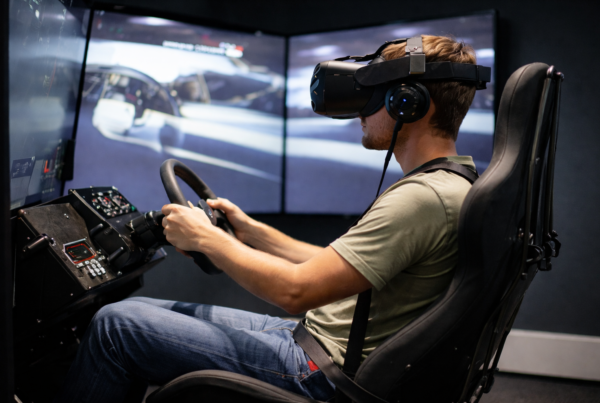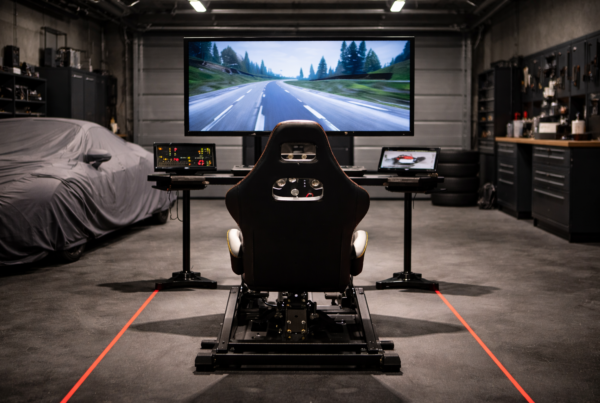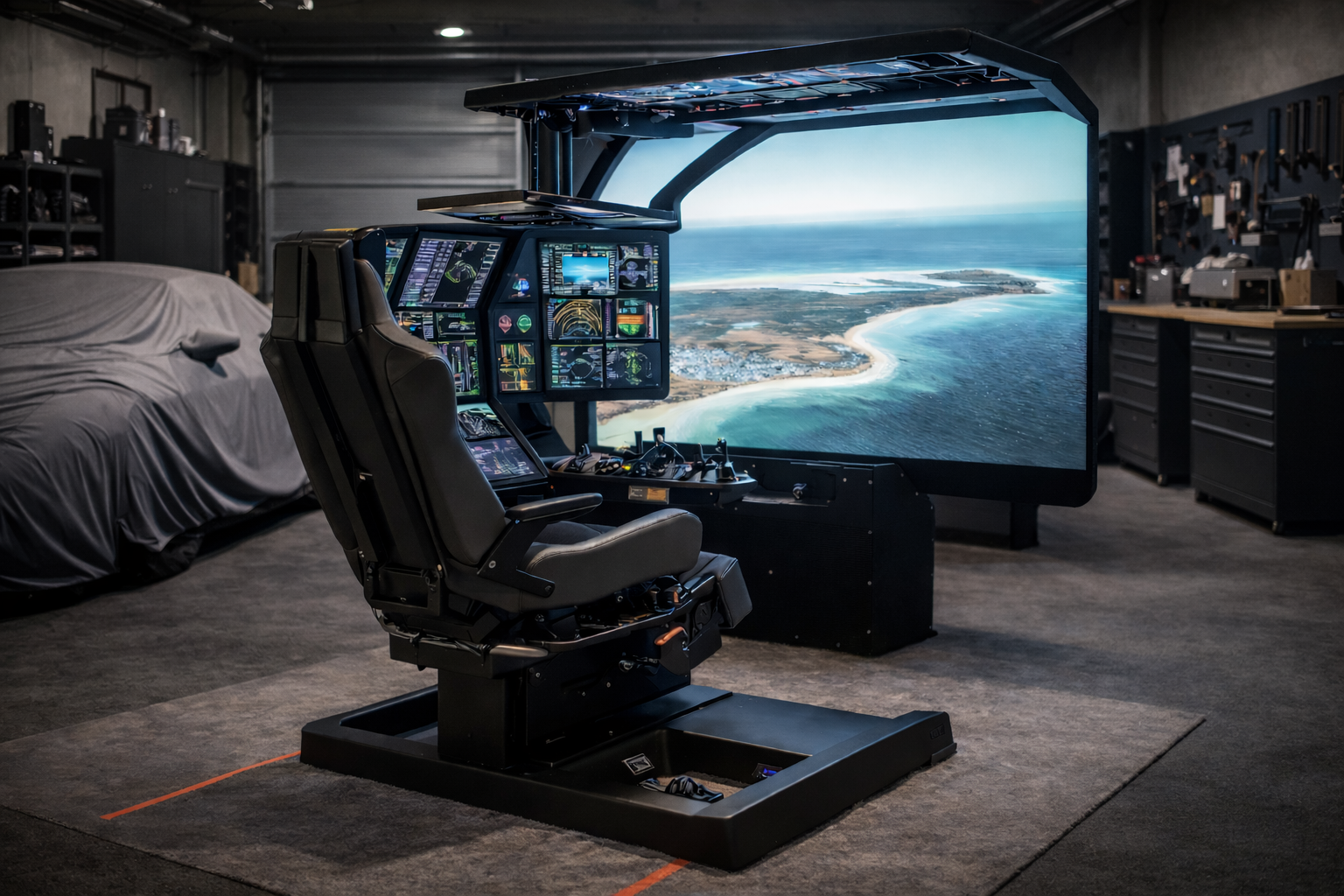
They live in offices, garages, studios, and living spaces
where noise becomes part of the experience.
In these environments, performance alone is not enough.
How a system sounds matters just as much as how it performs.
Short answer
In indoor sim rooms, excessive noise reduces comfort, focus, and long-session usability.
A slightly slower but quieter system often delivers a better simulation experience
than a louder system chasing peak performance.
Why noise matters in indoor simulation
Unlike gaming setups with headphones or background audio,
simulators are often used in shared or quiet spaces.
Noise affects:
- Focus and immersion
- User comfort during long sessions
- Perceived system quality
Over time, constant fan noise becomes distracting,
even if performance remains high.
Performance and acoustics are linked
Noise is usually a byproduct of heat.
As components heat up, cooling systems respond aggressively.
This often results in:
- Rapid fan speed changes
- High-pitched or uneven noise
- Inconsistent acoustic behavior
Chasing peak performance often increases acoustic instability.
Long sessions amplify noise problems
Short benchmarks rarely reveal acoustic issues.
Noise becomes noticeable over time.
During extended simulation sessions:
- Fans ramp as temperatures stabilize
- Thermal saturation increases noise output
- Small fluctuations become more noticeable
What sounds acceptable for ten minutes
may become tiring after two hours.
Indoor spaces make noise more noticeable
Indoor sim rooms often have reflective surfaces:
walls, floors, ceilings, and screens.
These spaces can amplify:
- Fan resonance
- High-frequency noise
- Vibration from components
A louder PC feels even louder indoors.
Cooling design matters more than raw airflow
Quiet systems are not built by adding more fans.
They are designed around controlled airflow and thermal balance.
Effective cooling design focuses on:
- Consistent airflow paths
- Low-RPM fan operation
- Reduced turbulence
- Stable thermal equilibrium
This approach keeps noise predictable and unobtrusive.
How noise indirectly affects simulation accuracy
Noise does not change FPS.
It changes how users interact with the simulator.
Excessive noise can:
- Reduce concentration
- Increase fatigue
- Shorten usable session length
Over time, this affects consistency and accuracy.
Why gaming PCs often struggle in indoor sim rooms
Many gaming PCs prioritize airflow over acoustics.
They assume headphones, ambient noise, or short sessions.
Indoor simulators demand a different balance:
sustained performance with minimal acoustic intrusion.
What simulator systems should optimize for
Indoor simulator PCs should treat acoustics as part of performance.
Key priorities include:
- Quiet cooling under sustained load
- Stable fan behavior without aggressive ramps
- Thermal equilibrium rather than peak airflow
- Low vibration and resonance
Final thought
Peak performance impresses on paper.
Quiet, stable behavior defines real usability.
In indoor sim rooms, the best system
is the one you stop noticing while it runs.
Simulator Platforms We Support
RBS systems are designed for the most common simulator platforms used today.
Golf simulators
TrackMan · Uneekor · Foresight
Racing simulators
iRacing · Assetto Corsa · rFactor
Flight simulators
MSFS · X-Plane · Prepar3D