Higher resolution looks better.
Lower resolution runs faster.
In simulation, resolution scaling is not just a visual choice.
It directly affects timing, consistency, and long-session stability.
Short answer
Resolution scaling in simulator environments affects more than FPS.
It changes CPU and GPU balance, frame pacing, latency,
and how consistently the system behaves over time.
What resolution actually represents
Resolution defines how many pixels the system must render per frame.
More pixels increase GPU workload,
memory bandwidth usage, and thermal load.
In simulators, this load is sustained,
not burst-based.
Why simulators scale differently than games
Many games scale resolution primarily on the GPU.
Lower resolution usually means higher FPS.
Simulators behave differently.
Physics, telemetry, and input processing
often remain CPU-bound regardless of resolution.
Lowering resolution does not always remove the real bottleneck.
GPU workload and pixel throughput
Higher resolution increases total pixel throughput.
This affects:
- Rendering time per frame
- VRAM usage
- Sustained power draw
Over long sessions, increased resolution
raises temperatures and exposes cooling limits.
CPU and resolution balance
Resolution changes GPU load more than CPU load.
In simulators, this can unmask CPU limitations.
When GPU load is reduced,
the CPU may become the limiting factor,
leading to:
- Uneven frame pacing
- Inconsistent input response
- Lower-than-expected performance gains
Resolution and frame consistency
Higher resolution increases frame time pressure.
If the system occasionally misses its frame budget,
consistency suffers.
In simulation, small frame-time variations
are more noticeable than average FPS changes.
Upscaling and downscaling techniques
Modern systems often use resolution scaling techniques
such as dynamic resolution or upscaling.
These methods can help,
but they introduce:
- Additional processing steps
- Potential latency changes
- Variability in visual output
In simulators, predictability is often more valuable
than aggressive scaling.
Resolution scaling in multi-screen setups
Multi-screen simulators multiply resolution load.
Three moderate-resolution displays
can exceed the pixel count of a single 4K screen.
This affects:
- GPU thermal behavior
- Memory bandwidth
- Frame synchronization across displays
Long sessions and sustained resolution load
Resolution choices may feel fine at startup.
Over time, sustained pixel load increases heat,
which can alter boost behavior and frame timing.
This is why resolution decisions
must consider long-session behavior,
not just initial performance.
Why gaming resolution advice doesn’t always apply
Gaming advice often recommends maximizing resolution
until FPS drops below a target.
Simulation performance depends on:
- Consistency
- Latency
- Thermal stability
Resolution should support these goals,
not undermine them.
What simulator systems should optimize for
Resolution in simulators should be chosen deliberately.
Key priorities include:
- Stable frame delivery at the chosen resolution
- Balanced CPU and GPU load
- Thermal equilibrium over long sessions
- Predictable visual behavior
Final thought
Higher resolution can improve immersion.
But immersion collapses when timing breaks.
In simulator environments,
the best resolution is not the highest one,
but the one the system can sustain consistently.
Simulator Platforms We Support
RBS systems are designed for the most common simulator platforms used today.
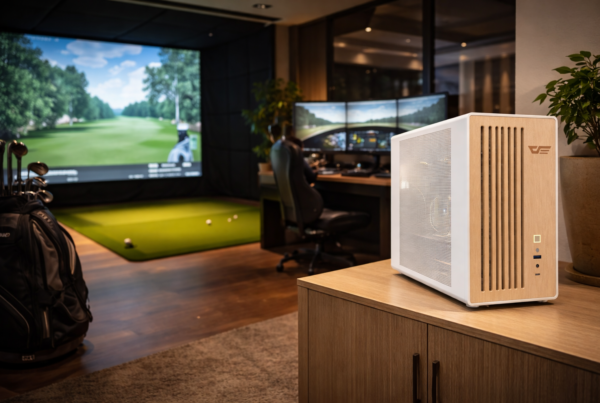
Golf simulators
TrackMan · Uneekor · Foresight
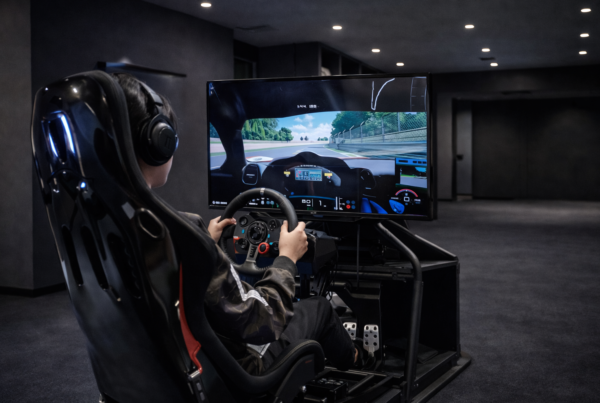
Racing simulators
iRacing · Assetto Corsa · rFactor
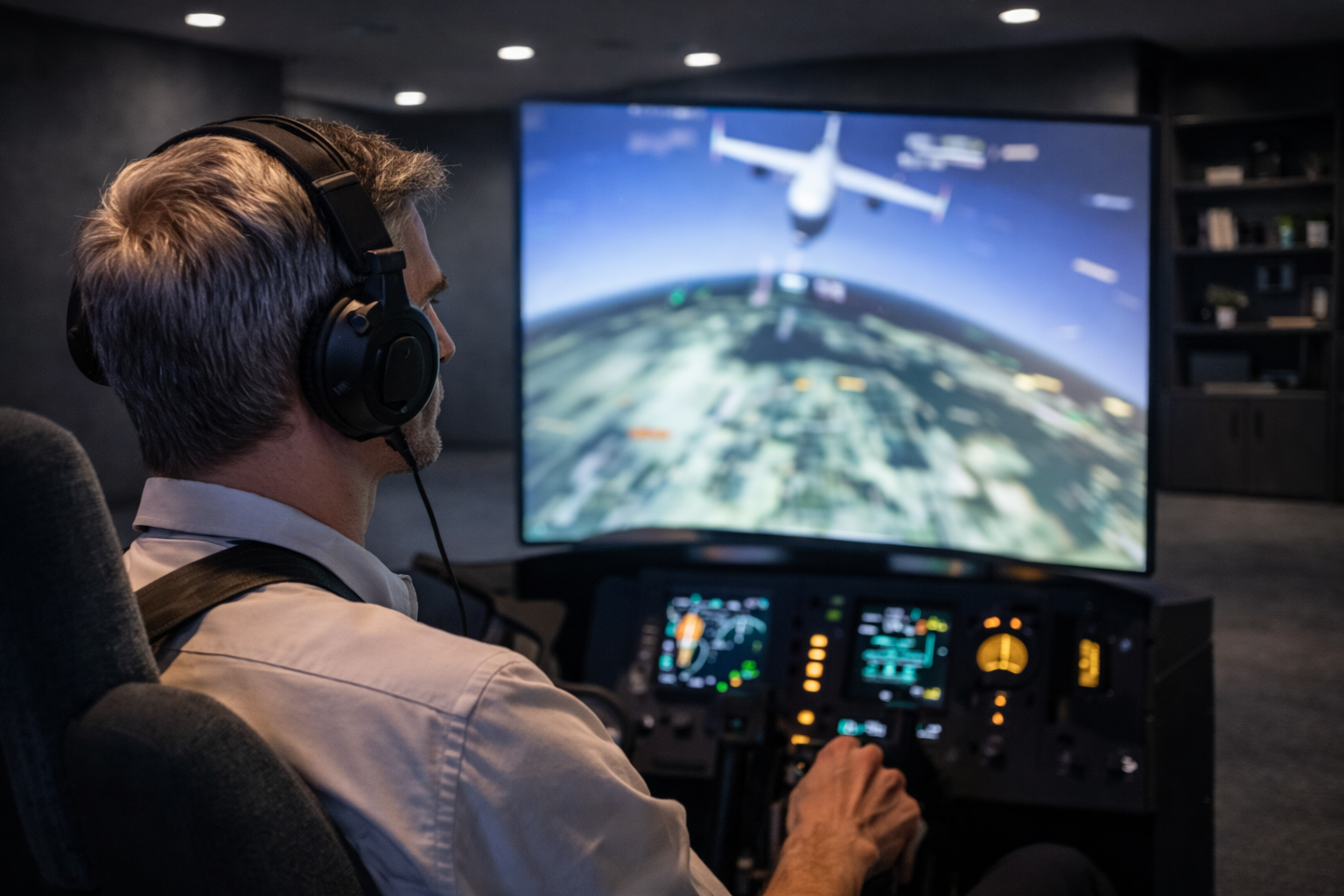
Flight simulators
MSFS · X-Plane · Prepar3D