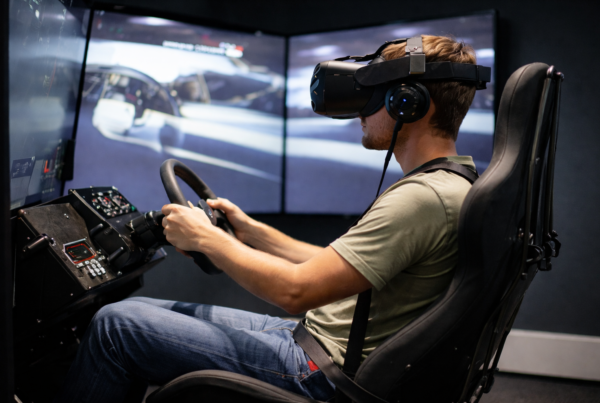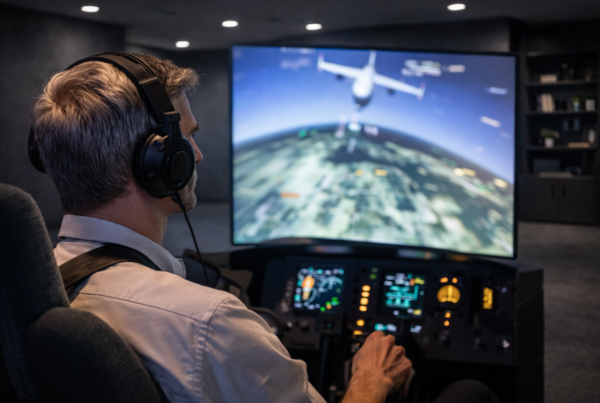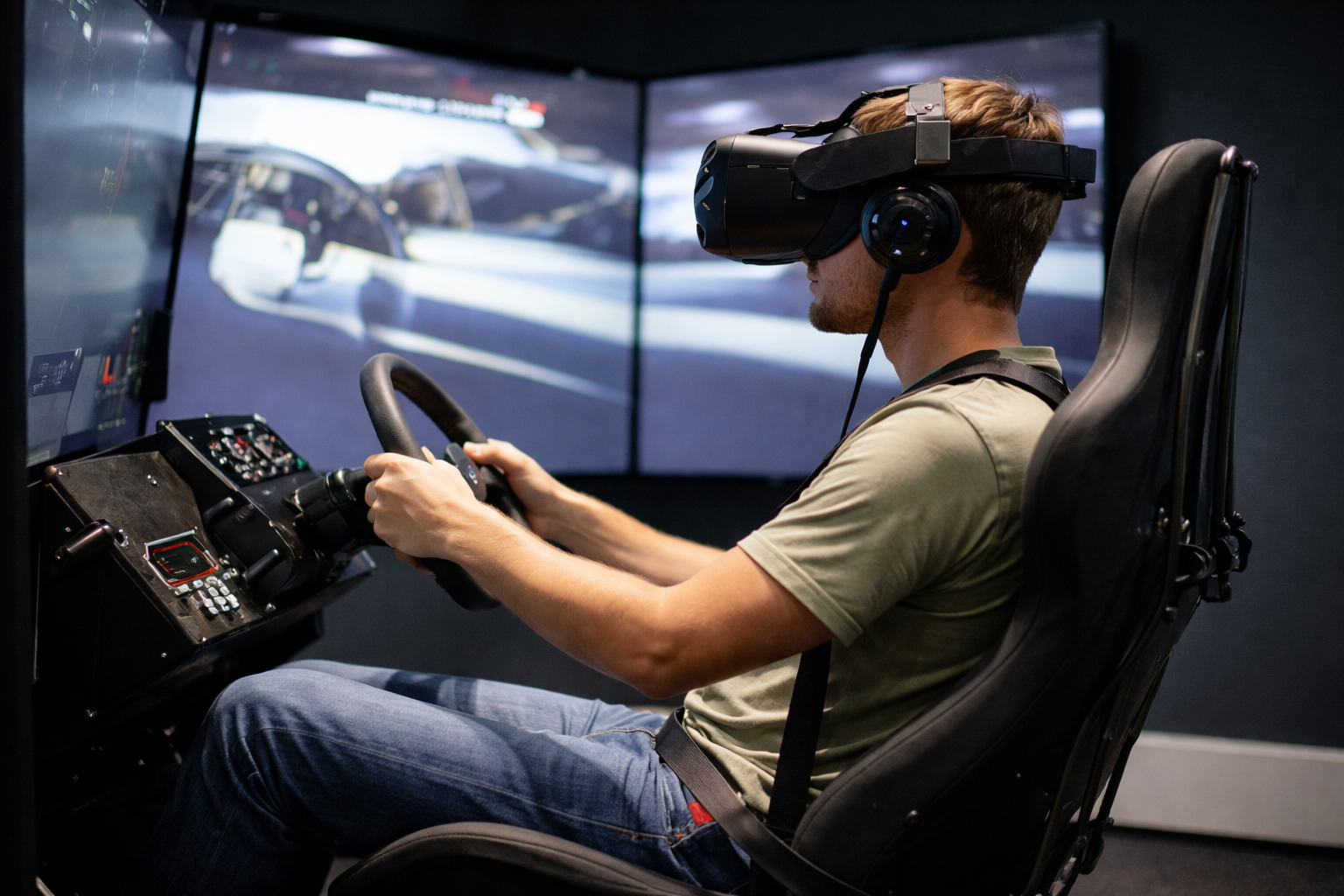
What feels acceptable on a monitor can become uncomfortable
or unusable inside a headset.
VR simulators operate under real-time constraints
that leave very little room for error.
Short answer
VR headsets require strict real-time rendering.
Frames must be delivered on time, every time.
In simulation, consistency and timing matter more than raw frame rate.
What “real-time” actually means in VR
Real-time rendering means the system must respond
within a fixed time window for every frame.
If a frame arrives late, it cannot be used.
It must be dropped, reprojected, or replaced.
In VR, missed deadlines are immediately noticeable.
Frame deadlines and refresh rates
VR headsets operate at fixed refresh rates.
Each refresh rate defines a strict frame deadline.
For example:
- 90 Hz allows about 11 milliseconds per frame
- 120 Hz allows about 8 milliseconds per frame
Every stage of the pipeline must fit within that window.
Why VR is less forgiving than displays
On a monitor, a late frame causes stutter.
In VR, a late frame causes discomfort.
VR is sensitive to:
- Frame timing variation
- Input-to-photon latency
- Synchronization errors
The human vestibular system notices inconsistencies immediately.
Stereo rendering and doubled workload
VR requires rendering two views simultaneously,
one for each eye.
This doubles:
- Rendering workload
- Geometry processing
- Memory bandwidth usage
Even powerful GPUs can struggle
if frame delivery is not carefully managed.
The CPU’s role in VR simulation
VR simulators place heavy demands on the CPU.
Physics, tracking data, and synchronization
must be processed before each frame is rendered.
CPU delays directly affect:
- Frame timing
- Tracking accuracy
- Overall comfort
High GPU performance cannot compensate for CPU timing issues.
Reprojection and its limits
Many VR systems use reprojection techniques
to mask missed frames.
While useful, reprojection:
- Does not replace true frame delivery
- Introduces artifacts
- Can reduce realism in simulation
Stable real-time rendering remains the goal.
The VR latency chain
VR latency accumulates across multiple stages.
A simplified chain includes:
- Head and controller tracking
- CPU simulation and physics
- GPU rendering
- Display scan-out
Every delay reduces responsiveness and comfort.
Thermal behavior under VR load
VR workloads are sustained and demanding.
As temperatures rise, clocks may fluctuate.
In VR, even small clock changes
can cause missed frame deadlines.
Thermal stability is critical.
Why gaming performance metrics don’t apply
Average FPS and peak FPS
do not describe VR performance accurately.
VR performance is defined by:
- Missed frame rate
- Frame-time variance
- Latency consistency
These metrics are rarely highlighted in gaming benchmarks.
What VR simulator systems should optimize for
VR simulator PCs must prioritize timing above all else.
Key priorities include:
- Stable frame delivery within fixed deadlines
- Low and consistent input latency
- Balanced CPU and GPU performance
- Thermal equilibrium under sustained load
Final thought
VR does not reward peak performance.
It rewards precision.
In simulation, the best VR experience
comes from systems that meet every deadline,
not just the fast ones.
Simulator Platforms We Support
RBS systems are designed for the most common simulator platforms used today.
Golf simulators
TrackMan · Uneekor · Foresight
Racing simulators
iRacing · Assetto Corsa · rFactor
Flight simulators
MSFS · X-Plane · Prepar3D