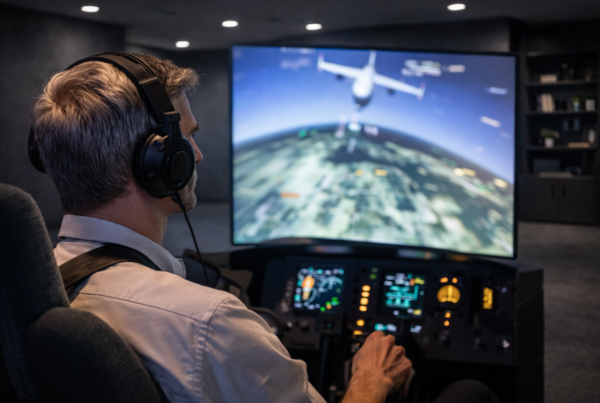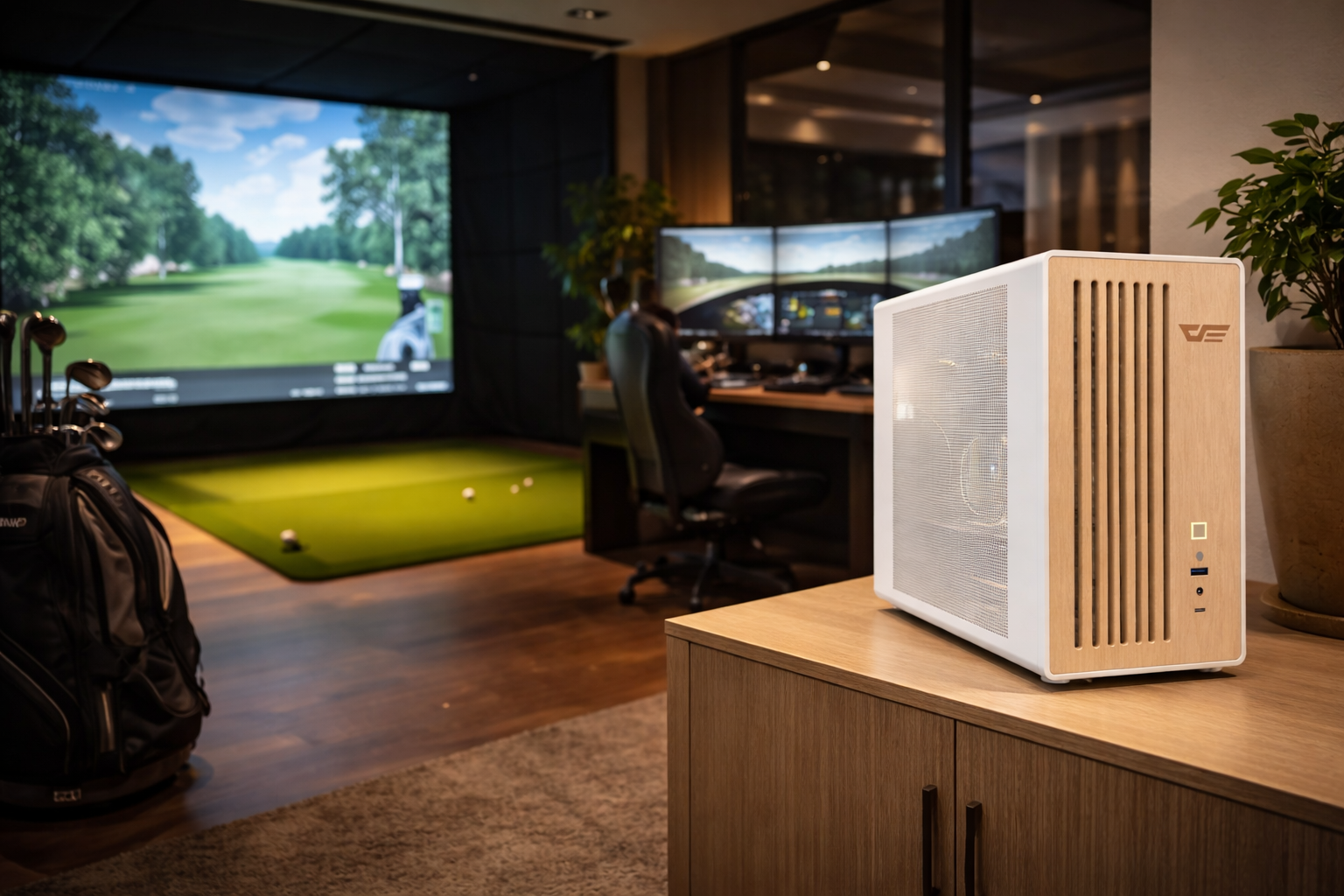
Same CPU. Same GPU. Same specs on paper.
A year later, they often feel very different.
Short answer
Simulator PCs age differently because they operate under sustained,
timing-sensitive workloads.
Continuous load exposes thermal, power, and stability limits
that gaming workloads rarely reach.
How PC aging actually happens
Hardware aging is not about calendar time.
It is about operating conditions.
Components age faster when exposed to:
- Continuous thermal stress
- Repeated power cycling
- Sustained electrical load
Simulator PCs experience all three more consistently.
Burst workloads vs sustained workloads
Gaming workloads are bursty.
Intense moments are followed by menus, pauses, or shutdowns.
Simulator workloads:
- Ramp up and stay active
- Run for hours without interruption
- Reach thermal and electrical equilibrium
Sustained load changes how components age.
Thermal equilibrium accelerates wear patterns
Under long sessions, systems reach stable operating temperatures.
This exposes cooling, airflow, and component limits.
Over time:
- Thermal interfaces degrade
- Fans operate at higher duty cycles
- Heat-sensitive components lose margin
Gaming systems often cool down before reaching this state.
Power delivery stress over time
Sustained load places continuous demand on power delivery systems.
VRMs, PSUs, and power stages operate near steady-state limits.
Long-term effects can include:
- Reduced voltage stability
- Higher operating temperatures
- Greater sensitivity to fluctuation
These changes affect timing and consistency.
Memory and storage under continuous pressure
Simulator workloads stress memory and storage constantly.
Asset streaming, state updates, and buffering never fully stop.
Over time:
- Marginal memory settings show instability
- Storage thermal throttling becomes more frequent
- Latency consistency degrades
Why timing-sensitive systems feel “older” sooner
Simulators are sensitive to timing drift.
Small changes in latency or consistency are noticeable.
As systems age:
- Clock stability may decrease
- Thermal behavior becomes less predictable
- Input accuracy can drift subtly
The system still works, but it feels less precise.
Why gaming PCs often hide aging longer
Gaming workloads tolerate inconsistency.
Small drops in performance are masked by content and pacing.
Simulator workloads:
- Expose latency changes immediately
- Penalize inconsistency
- Reward predictability
Aging becomes visible sooner.
Maintenance and operating discipline
Simulator PCs are often left running,
rarely rebooted, and rarely reconfigured.
Without proper maintenance:
- Dust accumulation increases thermals
- Background processes accumulate
- Stability margins shrink
These effects compound over time.
Why simulator PCs must be designed differently
Simulator systems should be engineered for endurance.
That means prioritizing:
- Thermal equilibrium
- Stable power delivery
- Conservative memory configurations
- Predictable long-term behavior
Final thought
Simulator PCs do not age faster.
They age more honestly.
Continuous load reveals how a system truly behaves.
And in simulation, consistency over time
matters more than how the system felt on day one.
Simulator Platforms We Support
RBS systems are designed for the most common simulator platforms used today.
Golf simulators
TrackMan · Uneekor · Foresight
Racing simulators
iRacing · Assetto Corsa · rFactor
Flight simulators
MSFS · X-Plane · Prepar3D