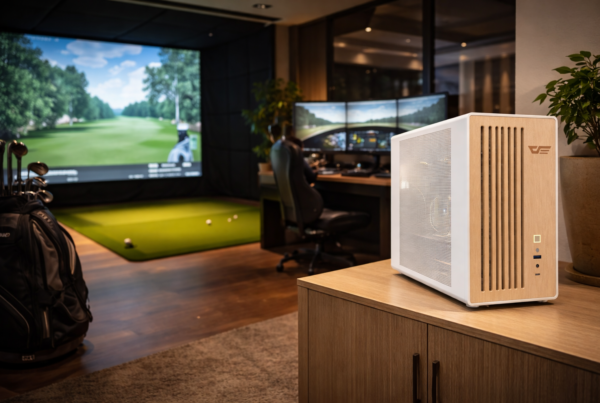
Windows configuration defines how much of that potential is actually usable.
In simulation, operating system behavior matters more than most users expect.
Small system-level decisions can affect timing, latency, and long-session stability.
Short answer
Windows configuration impacts simulator performance by influencing CPU scheduling,
background activity, and system timing.
A stable, predictable Windows environment improves accuracy more than aggressive tuning.
Why Windows behavior matters in simulation
Windows manages CPU time, device access, memory allocation,
and background services for the entire system.
In simulation workloads, these responsibilities directly affect:
- Input timing
- Frame consistency
- Sensor and peripheral accuracy
Unlike gaming, simulators are far less tolerant of timing variation.
Clean system behavior over aggressive optimization
Many optimization guides focus on disabling dozens of Windows features.
This often creates instability rather than improvement.
Simulation benefits more from:
- Predictable background behavior
- Minimal third-party interference
- Stable system services
The goal is consistency, not maximum benchmark scores.
Background services and scheduling
Windows runs many services in the background.
Most are harmless, but some can interrupt timing-sensitive workloads.
Scheduled updates, indexing tasks,
and monitoring tools can activate unexpectedly
and compete with simulator threads.
Power management and performance states
Windows power management affects how quickly the CPU and GPU change states.
Aggressive power saving can introduce delays
that appear as latency or micro-stutter in simulators.
Stable performance states are often more important
than dynamic power scaling in simulation environments.
Drivers, updates, and timing stability
Drivers play a critical role in how Windows interacts with hardware.
Poorly timed driver updates or background driver utilities
can introduce latency or instability.
Simulator systems benefit from:
- Stable, validated driver versions
- Controlled update schedules
- Minimal background driver software
USB devices and peripheral handling
Simulators often rely on multiple USB devices:
sensors, cameras, controllers, and tracking systems.
Windows must handle these devices consistently.
Background USB polling, power saving,
or device resets can affect input accuracy.
Why long sessions expose configuration issues
Over long simulation sessions,
Windows may perform maintenance tasks,
adjust power states,
or respond to thermal changes.
These behaviors are often invisible,
but their effects are felt as gradual performance drift.
What Windows configuration should prioritize
Simulator PCs should prioritize stability over aggressive tuning.
Key priorities include:
- Controlled background services
- Stable power management behavior
- Predictable driver and update handling
- Minimal third-party system utilities
Final thought
Windows configuration does not create performance.
It preserves it.
In simulation, a stable operating system
is as important as the hardware running on top of it.
Simulator Platforms We Support
RBS systems are designed for the most common simulator platforms used today.
Golf simulators
TrackMan · Uneekor · Foresight
Racing simulators
iRacing · Assetto Corsa · rFactor
Flight simulators
MSFS · X-Plane · Prepar3D